
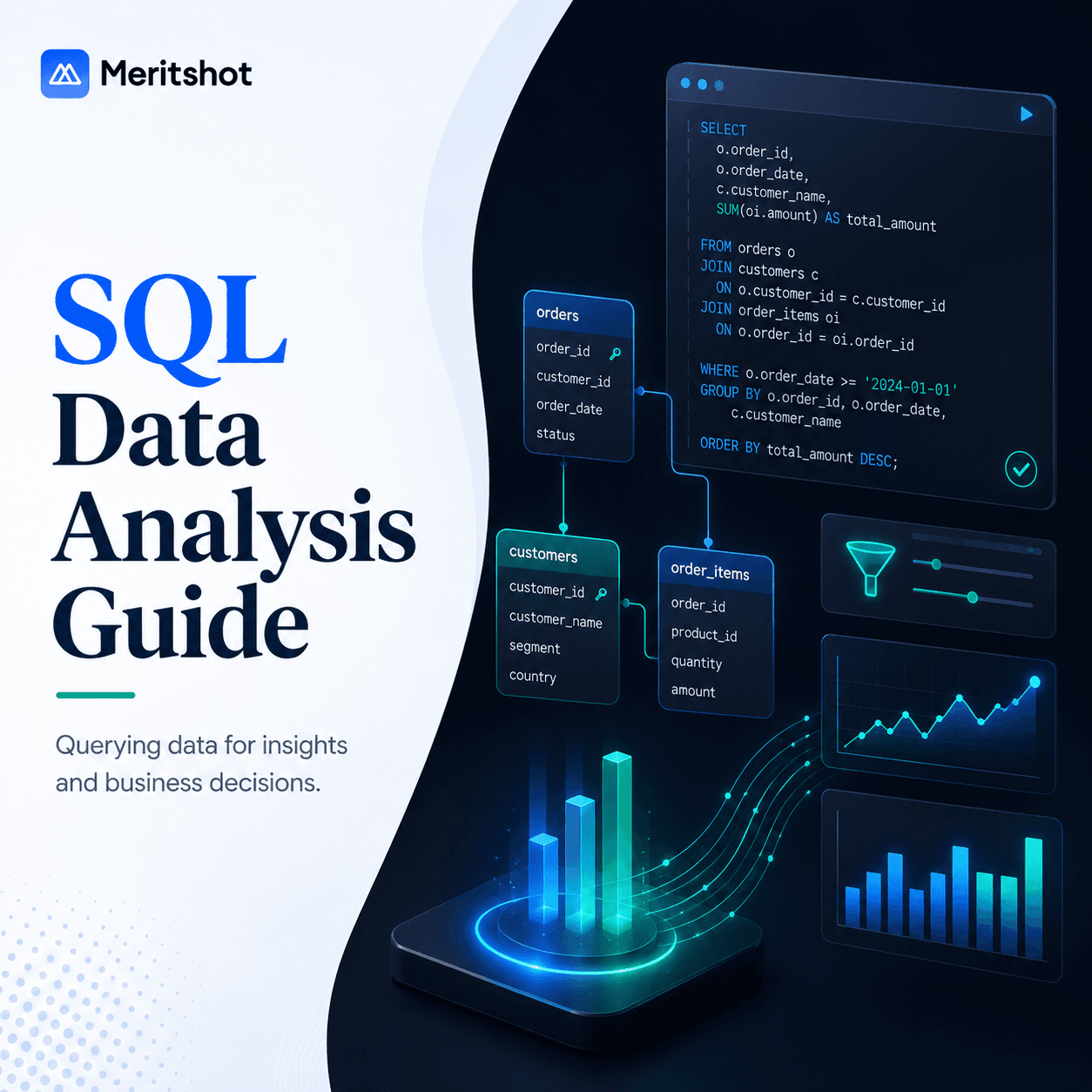
SQL for Data Analysis: From Basics to Advanced Queries
SQL is the most underrated skill in data science. While everyone focuses on Python, machine learning, and deep learning, the reality is that SQL appears in 92% of data analyst and data scientist job postings in India. It is the language of data — and you cannot escape it.
Whether you are querying a PostgreSQL database at a fintech startup or pulling reports from a MySQL instance at an enterprise, SQL is the foundation of every data workflow.
Why SQL Matters for Data Analysts
SQL is not just about retrieving data. It is a complete analytical tool:
- Data extraction — pull exactly the data you need from databases with millions of rows
- Data transformation — clean, reshape, and aggregate data before it ever reaches Python or Excel
- Exploratory analysis — answer business questions directly in the database, faster than loading data into pandas
- Performance — databases are optimized for large-scale operations; a SQL query can process 100 million rows in seconds
In the Indian job market, companies like Flipkart, Razorpay, PhonePe, Swiggy, and every major bank require strong SQL skills. It is non-negotiable for any data role.
SELECT Fundamentals
Everything in SQL starts with SELECT. Here is the basic structure:
SELECT column1, column2, column3
FROM table_name
WHERE condition
ORDER BY column1 DESC
LIMIT 100;
Example — find the top 10 highest-paid employees:
SELECT employee_name, department, salary
FROM employees
WHERE status = 'active'
ORDER BY salary DESC
LIMIT 10;
Useful SELECT Clauses
-- Select all columns
SELECT * FROM orders;

-- Rename columns with aliases
SELECT first_name AS name, annual_salary / 12 AS monthly_salary
FROM employees;

-- Remove duplicates
SELECT DISTINCT department FROM employees;

-- Count rows
SELECT COUNT(*) AS total_orders FROM orders;
WHERE: Filtering Your Data
The WHERE clause is how you filter rows. It supports a wide range of operators:
-- Comparison operators
SELECT * FROM products WHERE price > 500;
SELECT * FROM products WHERE category = 'Electronics';

-- Multiple conditions
SELECT * FROM orders
WHERE order_date >= '2024-01-01'
  AND total_amount > 1000
  AND status != 'cancelled';

-- IN operator (match any value in a list)
SELECT * FROM employees
WHERE department IN ('Engineering', 'Data Science', 'Product');

-- BETWEEN (inclusive range)
SELECT * FROM transactions
WHERE amount BETWEEN 10000 AND 50000;

-- LIKE (pattern matching)
SELECT * FROM customers
WHERE email LIKE '%@gmail.com';

-- IS NULL
SELECT * FROM orders WHERE delivered_date IS NULL;
JOINs Explained
JOINs combine rows from two or more tables based on a related column. This is one of the most important concepts in SQL.
| JOIN Type | What It Returns |
|---|---|
| INNER JOIN | Only rows that have a match in both tables |
| LEFT JOIN | All rows from the left table, plus matching rows from the right (NULLs where no match) |
| RIGHT JOIN | All rows from the right table, plus matching rows from the left (NULLs where no match) |
| FULL OUTER JOIN | All rows from both tables (NULLs where no match on either side) |
| CROSS JOIN | Every row from table A paired with every row from table B (cartesian product) |
Example — get order details with customer names:
-- INNER JOIN: only orders with matching customers
SELECT o.order_id, c.customer_name, o.total_amount, o.order_date
FROM orders o
INNER JOIN customers c ON o.customer_id = c.customer_id
WHERE o.order_date >= '2024-01-01';

-- LEFT JOIN: all customers, even those with no orders
SELECT c.customer_name, COUNT(o.order_id) AS total_orders
FROM customers c
LEFT JOIN orders o ON c.customer_id = o.customer_id
GROUP BY c.customer_name
ORDER BY total_orders DESC;
Pro tip: in most analytical queries, LEFT JOIN is the safest default. It ensures you do not accidentally drop rows from your primary table.
GROUP BY and Aggregations
GROUP BY groups rows that share a value, then applies aggregate functions to each group.
-- Total revenue by product category
SELECT category, SUM(revenue) AS total_revenue, COUNT(*) AS num_transactions
FROM sales
GROUP BY category
ORDER BY total_revenue DESC;

-- Average order value by month
SELECT DATE_TRUNC('month', order_date) AS month,
       AVG(total_amount) AS avg_order_value,
       COUNT(*) AS num_orders
FROM orders
GROUP BY DATE_TRUNC('month', order_date)
ORDER BY month;
Common Aggregate Functions
| Function | Description |
|---|---|
COUNT(*) | Count all rows in the group |
COUNT(DISTINCT col) | Count unique values |
SUM(col) | Total of all values |
AVG(col) | Average value |
MIN(col) | Minimum value |
MAX(col) | Maximum value |
HAVING: Filtering After Aggregation
WHERE filters rows before grouping. HAVING filters groups after aggregation.
-- Find categories with more than 1 crore in revenue
SELECT category, SUM(revenue) AS total_revenue
FROM sales
GROUP BY category
HAVING SUM(revenue) > 10000000
ORDER BY total_revenue DESC;

-- Find customers who placed more than 5 orders
SELECT customer_id, COUNT(*) AS order_count
FROM orders
GROUP BY customer_id
HAVING COUNT(*) > 5;
Subqueries
A subquery is a query nested inside another query. It is useful when you need to filter based on an aggregated value.
-- Find employees earning above the company average
SELECT employee_name, salary
FROM employees
WHERE salary > (SELECT AVG(salary) FROM employees);

-- Find products that have never been ordered
SELECT product_name
FROM products
WHERE product_id NOT IN (SELECT DISTINCT product_id FROM order_items);
CTEs: The WITH Clause
Common Table Expressions (CTEs) make complex queries readable by breaking them into named steps. Think of them as temporary named result sets.
-- Monthly revenue with month-over-month growth
WITH monthly_revenue AS (
    SELECT DATE_TRUNC('month', order_date) AS month,
           SUM(total_amount) AS revenue
    FROM orders
    WHERE order_date >= '2024-01-01'
    GROUP BY DATE_TRUNC('month', order_date)
)
SELECT month,
       revenue,
       LAG(revenue) OVER (ORDER BY month) AS prev_month_revenue,
       ROUND((revenue - LAG(revenue) OVER (ORDER BY month)) * 100.0
             / LAG(revenue) OVER (ORDER BY month), 2) AS growth_pct
FROM monthly_revenue
ORDER BY month;
CTEs are especially valuable in analytics because they let you build queries step by step, testing each part independently.
Window Functions
Window functions perform calculations across a set of rows related to the current row — without collapsing rows like GROUP BY does. They are the most powerful analytical feature in SQL.
-- Rank employees by salary within each department
SELECT employee_name, department, salary,
       RANK() OVER (PARTITION BY department ORDER BY salary DESC) AS dept_rank
FROM employees;

-- Running total of daily revenue
SELECT order_date, daily_revenue,
       SUM(daily_revenue) OVER (ORDER BY order_date) AS running_total
FROM daily_sales;
Key Window Functions
| Function | What It Does |
|---|---|
ROW_NUMBER() | Assigns a unique sequential number to each row |
RANK() | Ranks rows; ties get the same rank, next rank is skipped |
DENSE_RANK() | Ranks rows; ties get the same rank, next rank is not skipped |
LAG(col, n) | Returns the value from n rows before the current row |
LEAD(col, n) | Returns the value from n rows after the current row |
SUM() OVER() | Running or cumulative sum |
AVG() OVER() | Moving average |
NTILE(n) | Divides rows into n roughly equal buckets |
Example — find the second highest salary in each department:
WITH ranked AS (
    SELECT employee_name, department, salary,
           DENSE_RANK() OVER (PARTITION BY department ORDER BY salary DESC) AS rnk
    FROM employees
)
SELECT employee_name, department, salary
FROM ranked
WHERE rnk = 2;
Query Optimization Tips
As your datasets grow to millions of rows, query performance matters. Here are practical tips:
- Select only the columns you need — avoid
SELECT *in production queries - Use WHERE to filter early — reduce the dataset before joins and aggregations
- Index your filter columns — if you frequently filter by
customer_id, ensure it is indexed - Use EXPLAIN ANALYZE — it shows exactly how the database executes your query and where time is spent
- Avoid correlated subqueries — they execute once per row; use JOINs or CTEs instead
- Use LIMIT during development — add
LIMIT 100while building queries to avoid scanning entire tables
-- Check how your query executes
EXPLAIN ANALYZE
SELECT customer_id, COUNT(*) AS order_count
FROM orders
WHERE order_date >= '2024-01-01'
GROUP BY customer_id
HAVING COUNT(*) > 3;
Practice Resources for Indian Learners
- HackerRank SQL Track — structured problems from easy to hard, widely used in Indian placement tests
- LeetCode SQL — interview-style problems, great for product company preparation
- Mode Analytics SQL Tutorial — free, hands-on with real datasets
- SQLZoo — interactive exercises for beginners
- Strata Scratch — real interview questions from companies like Amazon, Google, and Flipkart
- PostgreSQL official documentation — the most thorough reference for production SQL
Final Advice
SQL is not glamorous. It does not generate the excitement that machine learning or generative AI does. But it is the skill that separates analysts who can do their job from those who constantly depend on others for data.
Learn SQL deeply. Write queries daily. Build muscle memory for JOINs, window functions, and CTEs. In any data role in India — from business analyst at a consulting firm to data scientist at a startup — SQL will be the skill you use most often.
Start with SELECT. Master JOINs. Then conquer window functions. That progression will take you further than any shortcut.


